
Staying connected at Dubai Airport can make a layover or arrival far smoother. The good news is that dubai airport wifi is free for all passengers and visitors, and connecting takes less than a minute. This guide provides the definitive answer on DXB internet access, step-by-step connection instructions, realistic performance expectations, and practical alternatives if you need a more reliable connection.
Key Takeaways
- DXB offers free Wi-Fi in all public areas of the airport, but the complimentary tier comes with usage limits.
- No pre-registration or account creation is required; you simply accept the terms on the portal page.
- Connection speeds are generally adequate for messaging and light browsing but can slow down during peak traffic hours.
- For heavy data needs like video streaming or large downloads, consider paid premium options, lounge access, or a local eSIM.
- If the free Wi-Fi fails, the airport’s paid tiers, lounges, and mobile data via eSIM are reliable fallbacks.
The Complete Answer: How to Get Free Wi-Fi at Dubai Airport

Visual representation of the easy step-by-step process to access complimentary internet services in all public areas of Dubai International Airport.
Quick Answer: Dubai Airport provides complimentary Wi-Fi in all terminals. To connect, select the official “DXB Free Wi-Fi” network, open your browser to access the portal, accept the terms, and you are online.
Is Dubai Airport Wi-Fi Really Free?
Yes, DXB offers free Wi-Fi as a complimentary service. However, the free tier is not unlimited. It typically comes with a time limit or a data cap, after which you will be prompted to either disconnect or upgrade to a paid plan for continued, faster access.
The exact duration and data allowance can change, so the portal page will always display the current limits for your session. For most travelers, the free allowance is sufficient for checking emails, sending messages, and quickly looking up flight information.
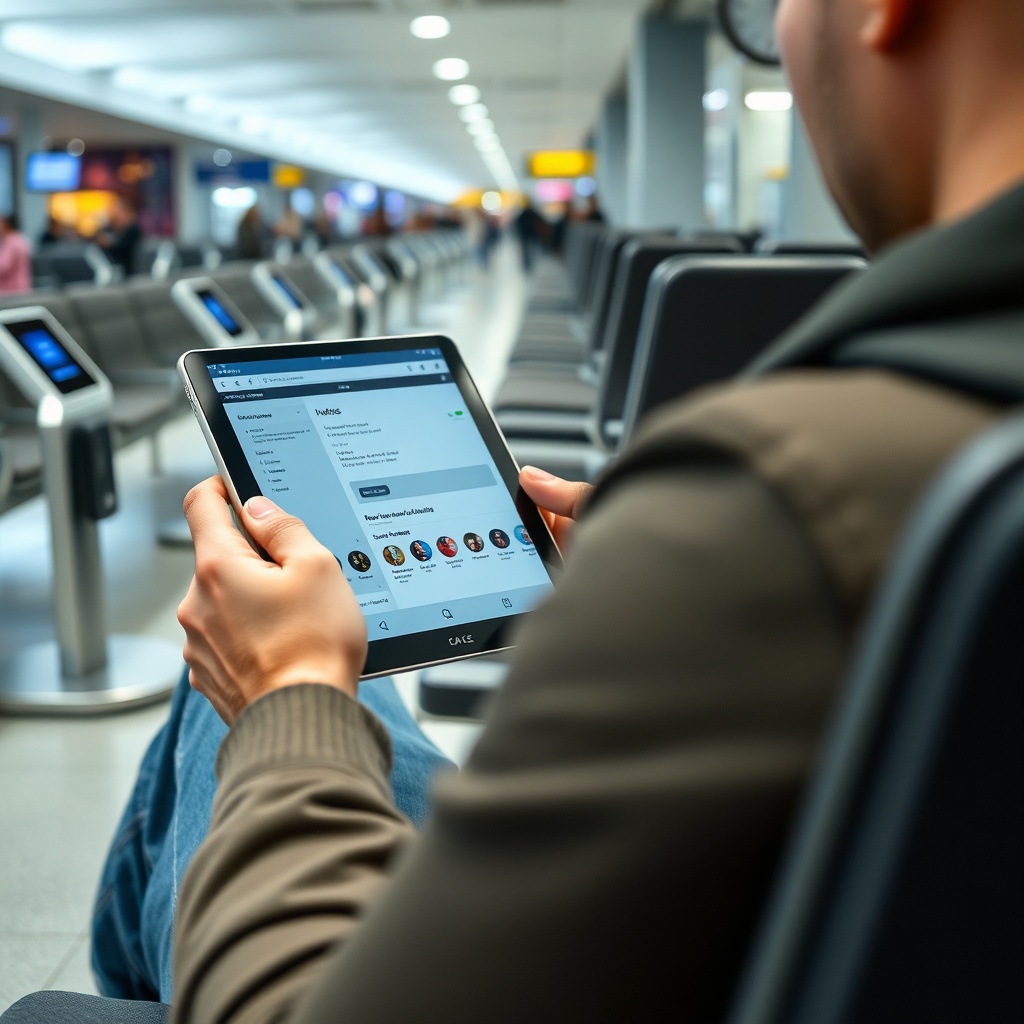
Example of adequate performance for messaging and light browsing provided by the airport’s complimentary tier, suitable for quick updates and flight checks.
Step-by-Step: How to Connect to DXB Wi-Fi
Connecting to the airport network is a straightforward process that works on smartphones, tablets, and laptops, especially after reviewing the First Timer’s Guide: Everything You Need to Know About Terminal 3 for tips.
- Turn on Wi-Fi on your device and select the official network name, “DXB Free Wi-Fi.”
- Open your browser. You will be automatically redirected to the airport’s Wi-Fi portal page.
- Accept the terms and conditions of use. Some sessions may ask for an email address, but this is not always mandatory.
- Click “Connect” or “Start Browsing” to initiate your session.
- Wait for the confirmation page to appear. This indicates your connection is live.
- If your time or data runs out, the portal will offer options to upgrade to a premium plan for a fee.
DXB Wi-Fi Speed and Performance: What to Expect
Realistic Speed Ranges by Terminal
The speed of the free Wi-Fi is generally adequate for standard tasks like web browsing and social media. It is not designed for heavy streaming or large file transfers. Performance can vary across the terminals and concourses, with Terminal 3 often experiencing higher demand due to its size and passenger volume.
The airport does not publish a guaranteed speed, so your experience will depend on the number of devices connected at that moment. The official DXB website is the best source for any updated performance metrics, but you should expect a standard airport-grade connection rather than fiber-optic speeds.
Factors That Affect Connection Quality
Several factors can impact your connection quality. The time of day is the most significant, with peak arrival and departure times leading to network congestion. The number of connected devices in your immediate area also plays a role; a crowded gate area will be slower than a quieter corner of the terminal.
To improve your signal, try moving closer to a Wi-Fi access point, which are typically located in ceiling areas and near seating. Avoid connecting from inside restrooms, elevators, or far corners of the building where the signal can be weak. These physical obstructions and distance from the access points are the most common causes of poor connectivity.
Coverage Map: Where Wi-Fi Works (and Where It Doesn’t)
Terminals and Public Areas
Wi-Fi coverage at DXB is designed to be comprehensive across all public areas. You can expect a reliable connection in check-in halls, security areas, departure gates, and food courts. However, the signal may be weaker in specific areas like restrooms, elevators, and far corners of the terminal.
The following table provides a general guide to expected coverage quality based on typical user reports:
| Area | Expected Coverage Quality |
|---|---|
| Check-in Halls | Excellent |
| Security Lines | Good |
| Departure Gates | Good to Excellent |
| Food Courts and Cafés | Excellent |
| Lounges | Excellent (often with premium service) |
| Restrooms | Weak to Intermittent |
| Elevators and Corridors | Weak |
Lounges and Premium Areas
Airport lounges often provide a superior Wi-Fi experience for their guests. This is typically a dedicated connection that is faster and has no time or data limits. Access to these lounges is available through business or first-class tickets, frequent flyer memberships, certain credit cards, or paid entry.
If you need to work or stream during a layover, purchasing lounge access might be a worthwhile investment compared to the paid airport Wi-Fi tiers, particularly when using Dubai Airport Lounges: An Ultimate Guide 2026. The lounge Wi-Fi is often a key benefit that justifies the cost of entry.
Free vs. Paid Wi-Fi: Which One Do You Need?
Free Tier Limitations
The free Wi-Fi tier is perfect for quick tasks. It is ideal for sending a message, checking a flight status, or doing a quick search. The limitations become obvious when you try to upload a large photo, stream a video, or participate in a video call. The data cap or time limit will likely be reached before you finish these heavier activities.
Paid and Premium Options
If you need more data or faster speeds, you can upgrade directly through the Wi-Fi portal. The paid options are designed for business travelers and those with extended layovers. You can pay using a credit card or, in some cases, at dedicated kiosks.
The table below compares the general features of the free and paid tiers:
| Feature | Free Tier | Paid / Premium Tier |
|---|---|---|
| Cost | Free | Fee-based |
| Speed | Standard | Faster |
| Duration | Limited (e.g., 1-2 hours) | Unlimited or longer duration |
| Data Cap | Yes (e.g., 200 MB) | Higher or unlimited |
| Best Use Case | Messaging, light browsing | Streaming, video calls, work |
Definition: A captive portal is a web page that requires you to authenticate or accept terms before granting internet access. It is the standard method used by airports and hotels to manage free Wi-Fi.
Troubleshooting Common Dubai Airport Wi-Fi Problems
Why Won’t the Wi-Fi Connect?
If you are having trouble connecting, the issue is often with your device’s cache or network settings. The most common fixes include:
- Forget the network in your Wi-Fi settings and then reconnect.
- Restart your Wi-Fi by toggling it off and on.
- Clear your browser cookies and cache to ensure the portal page loads correctly.
- Try a different browser or device to rule out a software issue.
What to Do if the Portal Page Doesn’t Load
Sometimes the captive portal fails to appear automatically. This is a common issue on some devices and browsers. To manually trigger the portal, open a non-secure HTTP URL like http://neverssl.com. This will force your browser to redirect to the airport’s login page.
If this does not work, the network may be experiencing issues. You can ask for assistance at any of the airport’s information desks, and the staff will be able to guide you or report the problem.
Alternatives to Airport Wi-Fi: Mobile Data and eSIM Options
Using a Local SIM or eSIM
For travelers who need a guaranteed, high-speed connection, a mobile data plan is often the most reliable option, much like planning your stopover while Exploring Fez: A Perfect Layover Experience at the Airport and the Old Medina. You can purchase a local SIM card at the airport upon arrival, but this requires finding a vendor and swapping your SIM.
A more convenient option is an international eSIM, which you can purchase and activate before you even land. Once you arrive in Dubai, the eSIM will connect to a local network automatically, providing you with internet access throughout your trip without needing to rely on the airport Wi-Fi.
When to Rely on Your Home Network (Roaming)
International roaming is the simplest option but often the most expensive, though consulting resources like The Complete Guide to Airports in Morocco: Ranking by Busiest for tips can help manage costs. It allows you to use your home data plan without changing your SIM. For a short stopover, it might be a practical fallback if the airport Wi-Fi fails and you don’t have an eSIM. However, for any extended stay, the cost can quickly become prohibitive compared to a local SIM or eSIM.
FAQ
Is Dubai Airport Wi-Fi free for everyone?
Yes, free Wi-Fi is available to all passengers and visitors. The service is complimentary, but it includes a usage limit, after which you can choose to purchase a premium plan.
How long can I use the free Wi-Fi at Dubai Airport?
The free session is typically limited. The exact duration can vary, so the portal page will display the time remaining for your session. When your time is up, you can either disconnect or upgrade to a paid plan.
Do I need to register or create an account to use DXB Wi-Fi?
No, you do not need to create an account. The process simply involves selecting the network and accepting the terms and conditions on the portal page.
Can I use the Wi-Fi in all terminals and concourses?
Yes, coverage is available across all terminals and concourses. While the signal is generally strong in public areas, it may be weaker in specific spots like restrooms or elevators.
What is the Wi-Fi password at Dubai Airport?
There is no password. Access is granted by accepting the terms and conditions on the free Wi-Fi portal page.
Conclusion
Getting online at Dubai International Airport is simple: connect to the “DXB Free Wi-Fi” network, accept the terms, and you are connected. While the free service is ideal for quick tasks, it comes with limitations on time and data. For heavy usage, consider the paid tiers or a portable eSIM for a more consistent connection.
Always check the official Dubai Airports website for the most current information on Wi-Fi policies, speeds, and any changes to the service, similar to how travelers compare Services Premium à l’Aéroport d’Istanbul : Salons, VIP et Familles for tips. For critical connectivity needs, having a backup plan like an eSIM or a roaming package is a smart strategy for any traveler.
